Build Off Air.
Run on Cue.
Prepare scenes and transitions offline. Export macros for your Blackmagic ATEM.
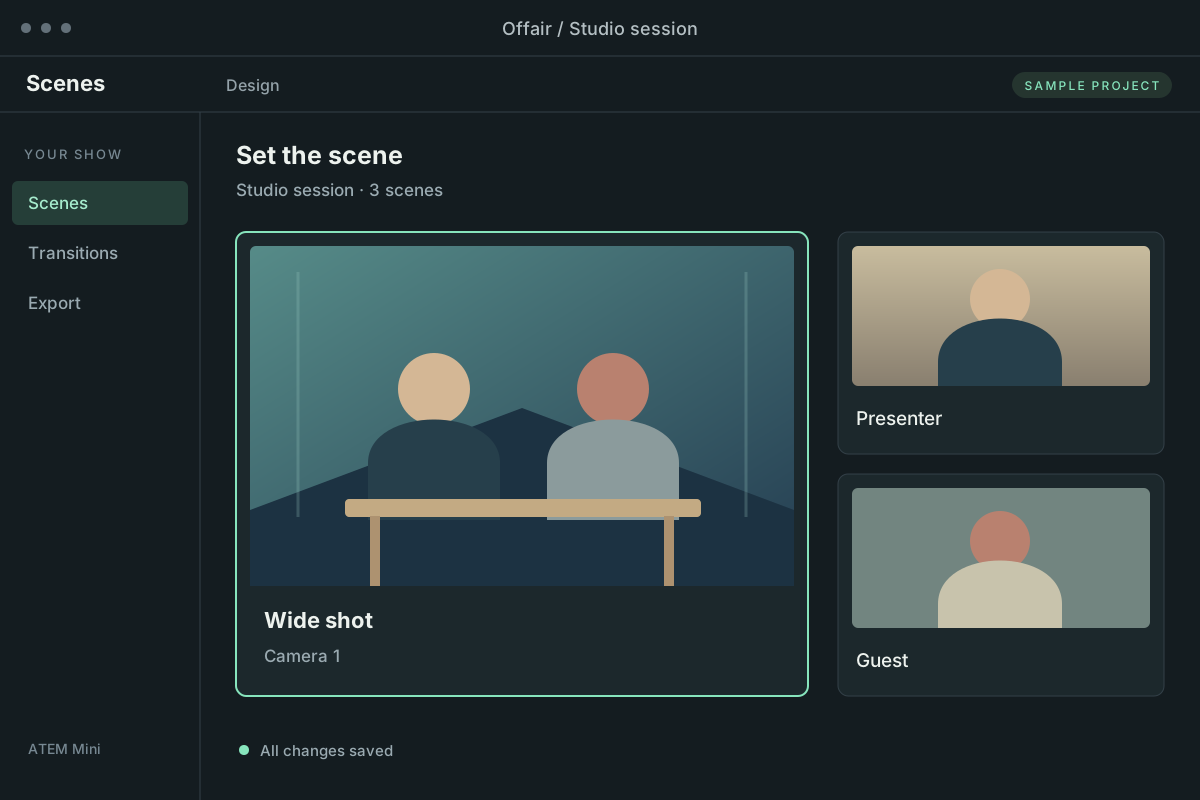
Build your show, scene by scene.
From Scenes to Macros
Turn your show’s scenes and transitions into ready-to-import ATEM macros.
Scenes
Build scenes visually or in YAML, in local project files.
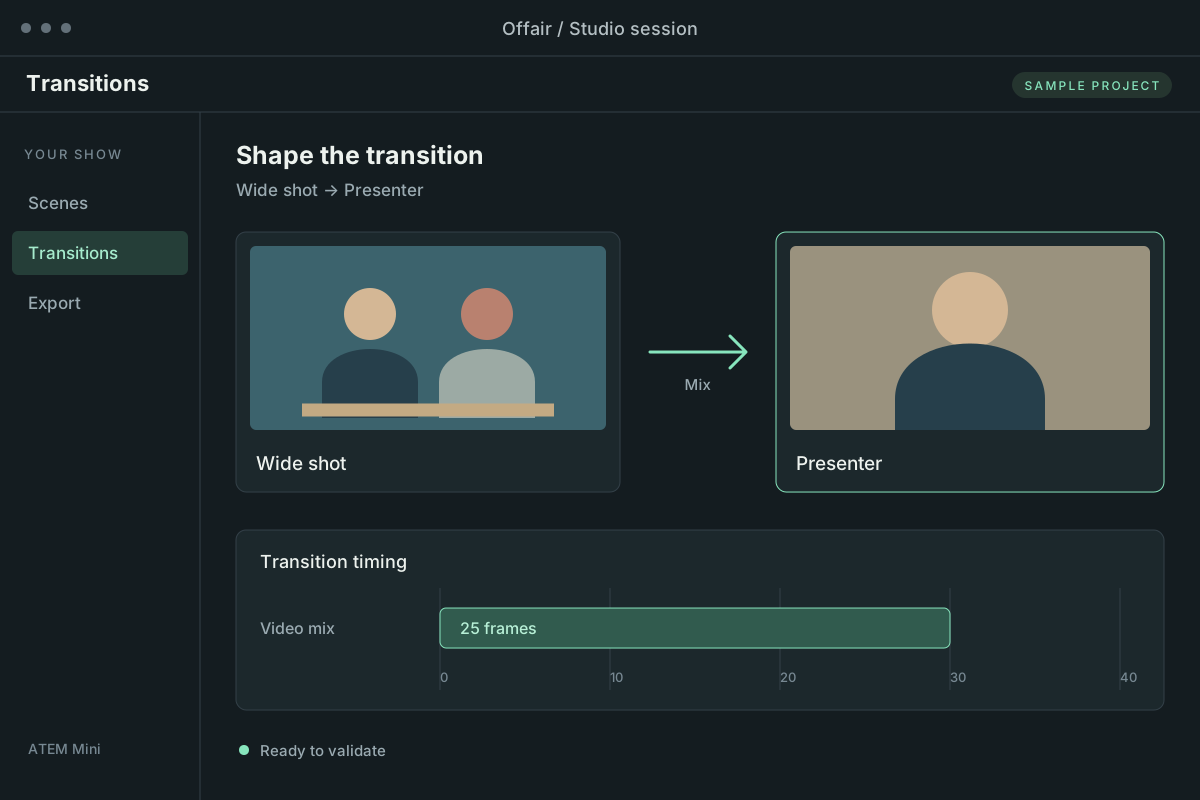
Transitions
Shape transitions and validate them against your Mini profile.
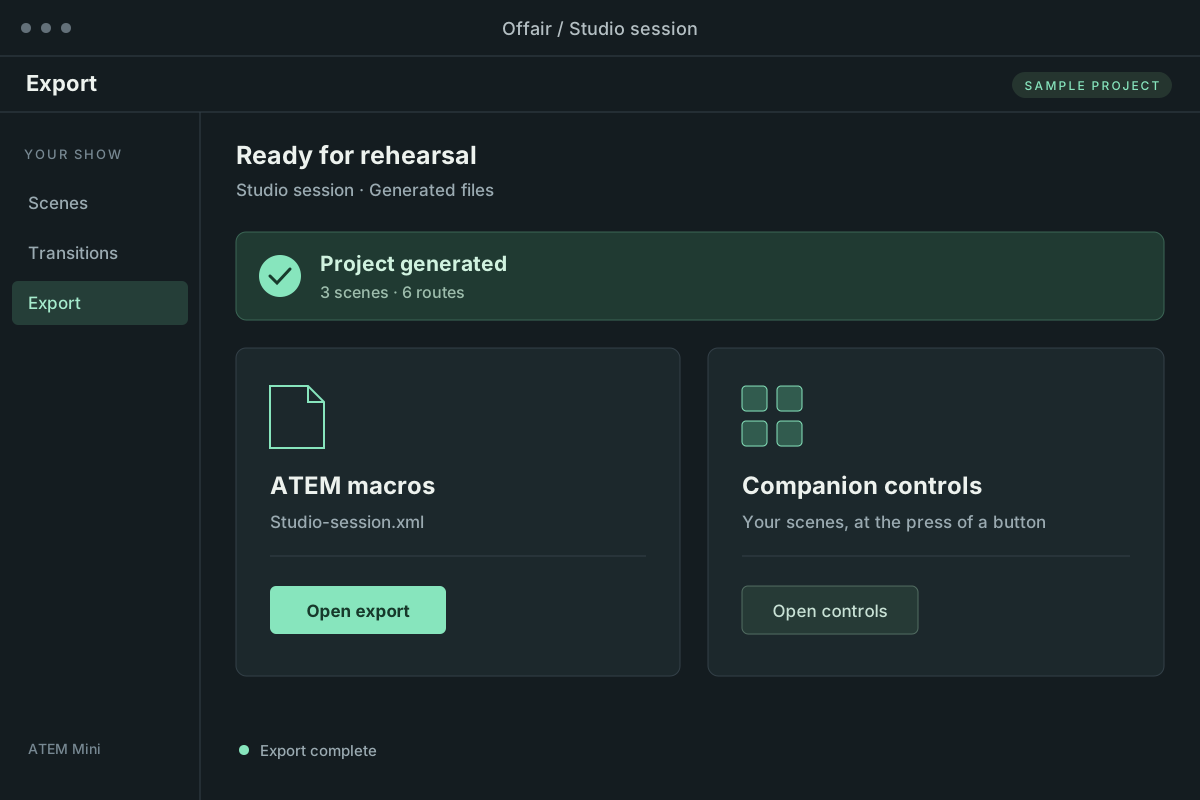
Export
Generate ATEM macros and optional Companion controls, then rehearse.
Native Macros
Offair compiles your transitions into native ATEM macros.
- Frame-based timing for smooth, consistent animations.
- Efficient playback directly on the switcher.
- Exported macros run independently of Offair.
<Macro index="1" name="Wide to Close" description="">
  <Op id="PreviewInput" mixEffectBlockIndex="0" input="Camera2"/>
  <Op id="TransitionStyle" mixEffectBlockIndex="0" style="Mix"/>
  <Op id="TransitionMixRate" mixEffectBlockIndex="0" rate="25"/>
  <Op id="AutoTransition" mixEffectBlockIndex="0"/>
  <Op id="MacroSleep" frames="25"/>
</Macro>
Animations
Offair brings keyframe animation to your ATEM workflow.
- Keyframe editor — set values at key moments and shape how they change over time.
- Any numeric property — animate SuperSource boxes, colors, upstream-key pattern properties, flying-key settings, and more.
- Native performance — animations compile into ATEM macros for smooth, frame-timed playback on the switcher.
Device Support
Device profiles adapt your show to the capabilities of different ATEM models.
| ATEM Mini | ATEM Mini Pro | ATEM Mini Pro ISO |
| ATEM Mini Extreme | ATEM Mini Extreme ISO | ATEM Mini Extreme ISO G2 |
| Other ATEM models need community support and testing, as I don’t own those devices. | ||
Try the Beta
Get free beta access and build your first show with Offair.
Join the beta →